Devixolix
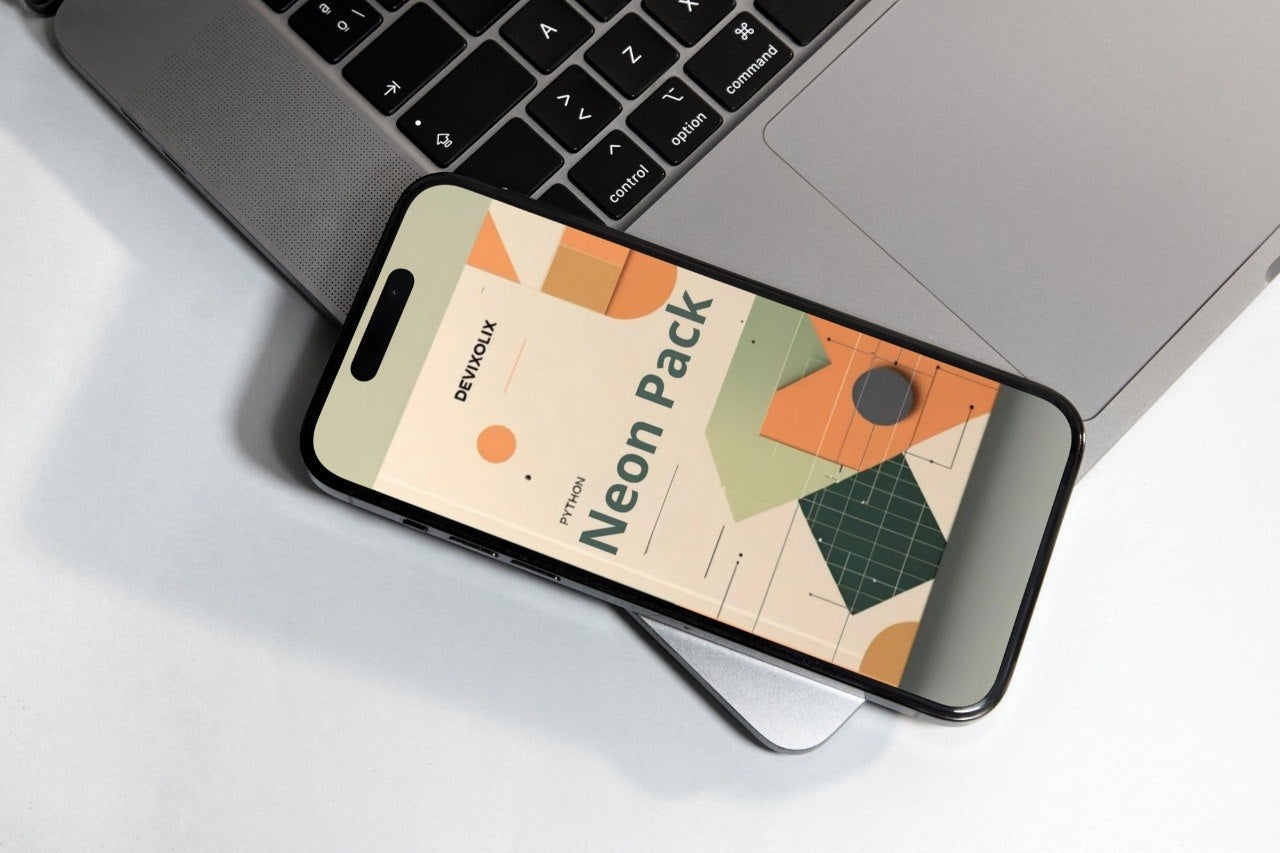
Neon Pack
Neon Pack
Couldn't load pickup availability
- 📥 Instant digital access
- ♾️ Lifetime availability
- 🔐 Protected & secure checkout
- 🔄 Regularly updated (2026)
Self-paced learning overview
Whoare these courses for?
Whoare these courses for?
These courses are designed for people who want to explore Python programming or organize their existing knowledge. The materials include explanations and code examples presented in a structured format.
Whatformat are the materials in?
Whatformat are the materials in?
The materials include written explanations, code examples, and structured learning modules. The lessons are organized so that topics build on each other gradually.
Once learners become comfortable with variables, conditions, and loops, the next step in programming is understanding how to organize repeated logic. Many programs contain blocks of instructions that need to be used multiple times. Writing the same code repeatedly makes programs longer and more difficult to maintain.
The Neon Pack introduces the concept of functions, which allow developers to group instructions into reusable blocks. Instead of repeating code throughout a program, a function can be defined once and called whenever it is needed.
This stage of learning helps learners understand how programmers structure their work. In larger programs, dividing logic into smaller pieces improves readability and organization. Each function performs a specific task, and the program becomes easier to understand because the logic is divided into clear sections.
The Neon Pack explores how functions receive information, process it, and return results. Through examples, learners see how a function can perform calculations, format output, or process data.
Another important concept introduced in this stage is the idea of parameters and arguments. Functions can receive input values that influence how they behave. This allows the same function to be used in different situations.
For example, a function might calculate the square of a number, format a greeting message, or process values stored in variables. By passing different inputs, the same function can produce different outputs.
This stage also introduces return values, which allow a function to send information back to the main program. Instead of printing results directly, functions can return values that can be used in later calculations or stored in variables.
The Neon Pack also introduces code organization through modules. As programs grow, separating code into different files helps maintain structure. Modules allow related functions to be grouped together, making programs easier to expand and maintain.
Understanding functions and modules marks an important transition in learning programming. Instead of writing isolated instructions, learners begin to see how larger programs are assembled from reusable components.
The lessons in this section provide explanations, examples, and patterns that demonstrate how functions work in Python programs. Each module gradually introduces new concepts while reinforcing earlier ideas.
What’s Inside
Module 1 — Understanding Functions
This module introduces the idea of reusable blocks of code.
Topics include:
- defining a function
- calling a function
- organizing repeated instructions
- understanding the role of reusable logic
Examples demonstrate how a simple function can perform a task such as displaying text or performing a calculation.
Learners observe how defining a function makes a program easier to read and organize.
Module 2 — Parameters and Arguments
After learning how functions are defined, this module explains how functions receive information.
Topics include:
- function parameters
- passing values to functions
- using multiple parameters
- organizing input values
Examples illustrate how functions behave differently depending on the values provided when they are called.
This concept shows how functions adapt to different situations while maintaining the same structure.
Module 3 — Return Values
Many functions calculate results that need to be used elsewhere in a program. This module introduces return values.
Topics include:
- returning data from a function
- storing returned values in variables
- combining function results with expressions
Examples demonstrate how returned values allow functions to interact with the rest of the program.
Learners observe how calculations can be performed inside functions and used later in the script.
Module 4 — Organizing Code with Modules
As programs grow, separating code into different sections becomes useful. This module introduces the concept of modules.
Topics include:
- grouping functions into files
- importing functions into a program
- organizing related logic
Examples demonstrate how a program can use functions defined in another file.
This structure improves readability and makes code easier to maintain.
Module 5 — Function Patterns in Programs
The final module explores patterns commonly used when working with functions.
Topics include:
- combining multiple functions
- using helper functions
- structuring programs with reusable logic
Examples demonstrate how several functions work together to perform a larger task.
These examples show how a program can be organized into logical sections.
Who Is This For?
✅ Suitable if you:
- want to understand how reusable code works
- want to organize programs into smaller logical sections
- want to learn how functions interact with variables and data
- are interested in writing programs that contain multiple reusable components
❌ Not suitable if you:
- already build large programs using advanced programming patterns
- prefer topics focused on large frameworks or complex architectures
- are looking only for quick examples rather than structured lessons
What You’ll Learn
After exploring the Neon Pack materials, learners become familiar with several important programming concepts:
- how functions group instructions into reusable sections
- how parameters allow functions to receive information
- how return values send results back to the program
- how modules organize functions into separate files
- how programs combine multiple functions to perform tasks
These ideas help learners move from small scripts to more structured programs. By understanding how functions and modules work together, learners gain the ability to organize larger pieces of code and follow the logic of more complex programs.
The Neon Pack therefore represents the next stage in the learning path, connecting earlier concepts such as conditions and loops with the idea of reusable program structure.
Share